Import data (*.DAT) files
This tool imports existing FLO-2D *.DAT files into the FLO-2D GeoPackage.
Import the FLO-2D *.DAT files into the Project
Note
Before performing this task, set up a FLO-2D Project GeoPackage using New FLO-2D Project.
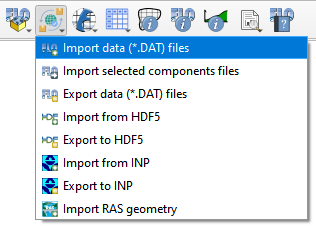
Click the Import data (*.DAT) files.
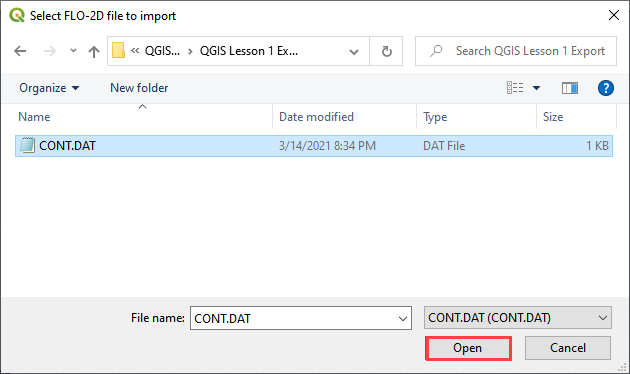
Navigate to the FLO-2D *.DAT files
Select CONT.DAT and click Open.
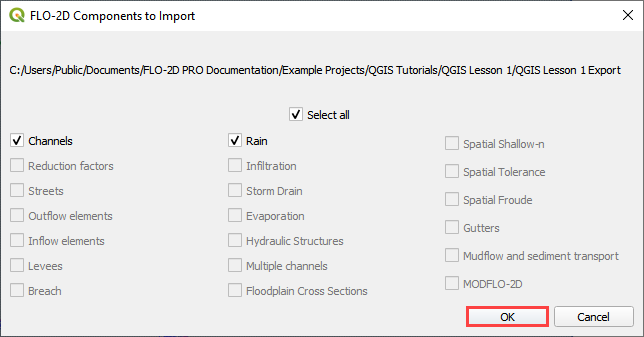
All FLO-2D files are imported to the Plugin with this option.
Choose the *.DAT files to import and click OK.
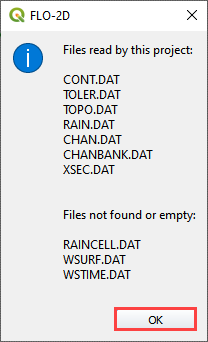
Once the project import is complete, this message will appear. Click OK to close the message.
The final step is to convert the new layers to User Layers. See Convert Schematic Layers to User Layers.